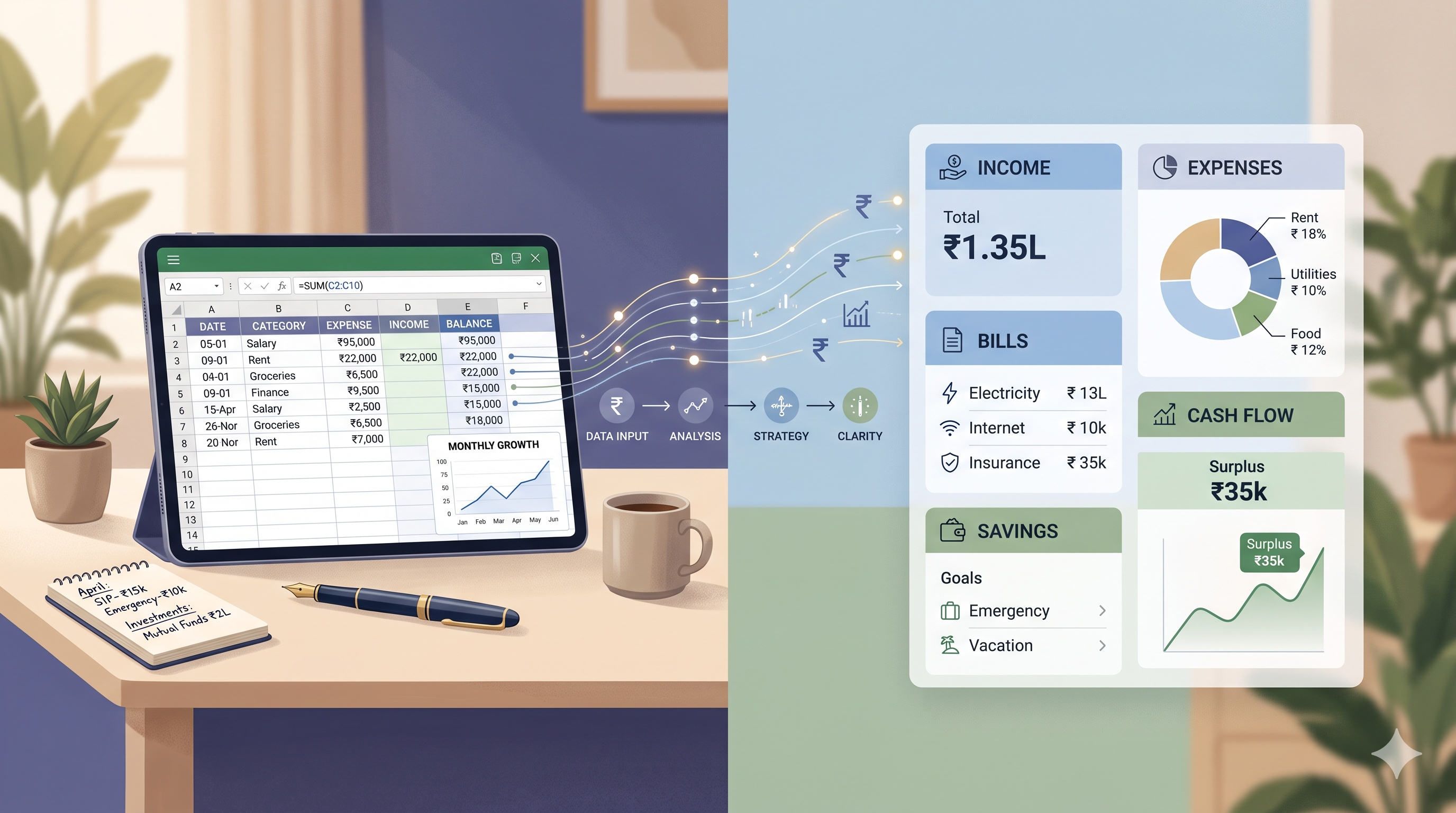
Excel is useful. The real question is whether it still suits the way you manage money today.
Excel has helped many people create their first expense tracker, monthly budget, loan calculator or savings plan. It is flexible, familiar and capable of doing much more than basic addition and subtraction.
But personal finances can become more complicated over time. You may start with one salary account and a simple monthly budget. Later, you may have UPI payments, cash expenses, multiple bank accounts, credit cards, EMIs, family spending, savings goals, investments and bills that arrive at different times. At that stage, the question is not whether Excel is good or bad. The question is whether it remains the easiest system for you to maintain and understand.
Key takeaway: Excel is often excellent for simple, custom and detail-focused finance tracking. A structured personal finance tracker can become more useful when your financial life grows beyond what you can comfortably enter, update and review in a spreadsheet.
The real problem people are trying to solve
Most people do not wake up looking for another app or another spreadsheet. They are trying to solve a practical problem: they want to understand where their money goes and make fewer financial decisions based on guesswork.
They want to know whether they can afford a purchase before the next salary. They want to see whether a credit-card bill is already too high. They want to understand why savings are not growing despite earning reasonably well. They want to plan for an EMI, insurance premium, school fee, festival expense, medical cost or family commitment without feeling surprised at the last minute.
Excel and RollingCash both aim to support financial organisation, but they take different routes. Excel gives you a flexible blank canvas. You decide the categories, create the formulas, add the transactions and shape the reports. RollingCash is designed as a structured personal-finance system, where the focus is on organising everyday financial areas in a connected way.
Neither approach is automatically right for everyone. Some people enjoy creating and maintaining spreadsheets. Others want to spend less time building a system and more time reviewing their money. The right choice depends on your habits, complexity and comfort with manual work.
Why Excel is such a popular choice for personal finance
Excel remains popular because it is familiar. Many people already use it for office work, education, invoices, lists or calculations. Opening a new workbook and creating columns for date, category, amount and notes feels straightforward.
For a person who wants to begin tracking expenses, a simple spreadsheet can be enough. You can create one sheet for income, one for expenses and one for a monthly summary. You can use formulas to total categories, compare budgeted and actual spending, or calculate how much remains after regular bills.
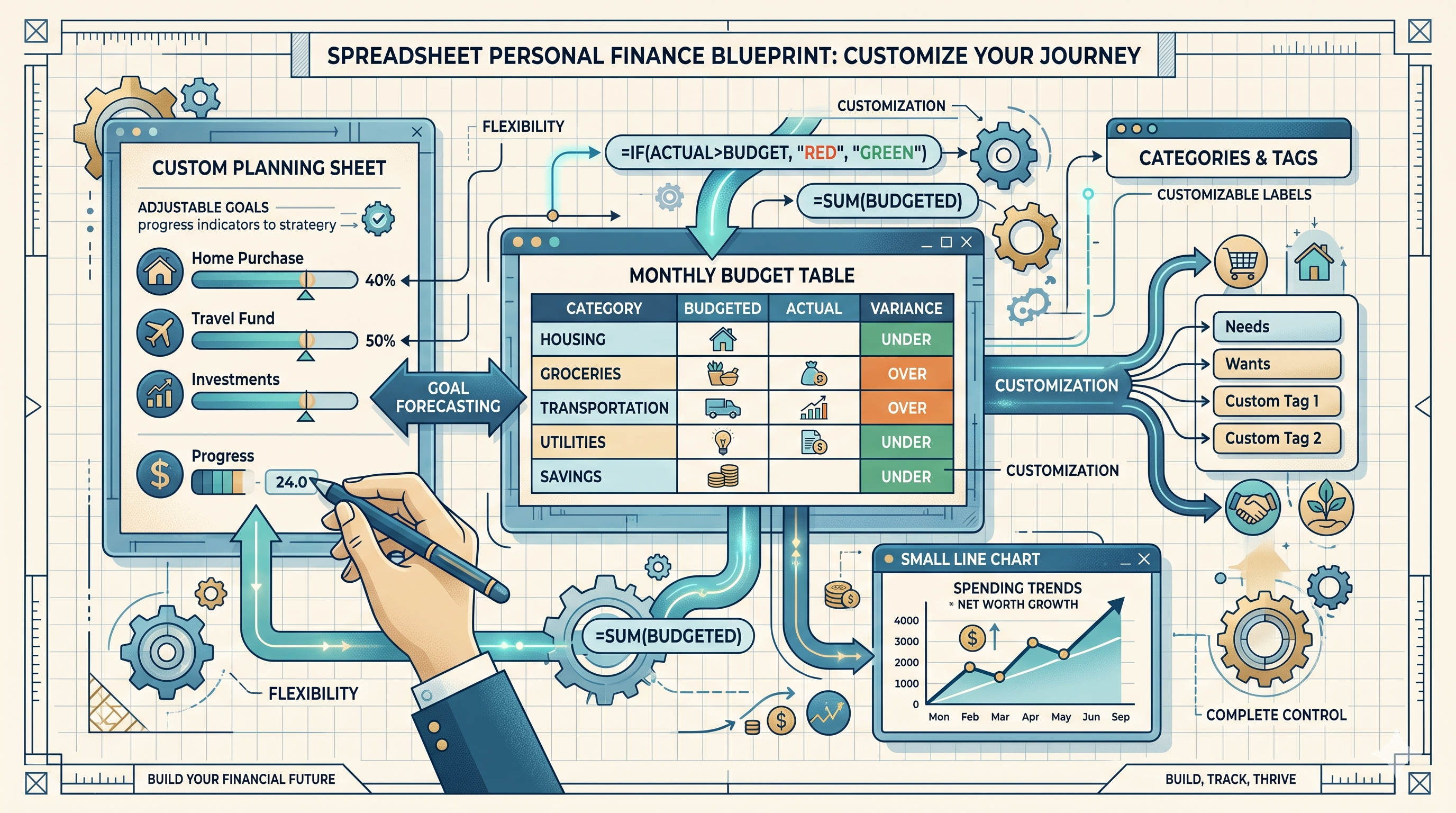
Excel is especially attractive because it allows you to build the system your own way. You can name categories however you like. You can use one workbook for the whole year. You can create separate tabs for each month. You can add colours, charts, checklists and formulas according to your preferences.
The difficulty begins when the spreadsheet becomes another responsibility. Instead of helping you understand your finances, it starts needing regular cleaning, checking, formula maintenance and manual updates before it can show a useful picture.
What Excel does well for personal finance
A fair comparison should begin by recognising Excel’s strengths. It is not a weak option. In fact, for some users, it may be the better choice.
Excel can work very well when you need:
- Complete customisation: You can build categories, formulas and layouts around your own way of thinking.
- One-time planning: Excel is useful for a yearly budget, loan comparison, holiday estimate, wedding budget or large purchase calculation.
- Advanced calculations: Users who are comfortable with formulas can create detailed projections and custom reports.
- Data ownership through manual records: You decide exactly what you enter and how you organise the file.
- Low-complexity tracking: A person with one account, a few fixed expenses and a steady routine may find a spreadsheet fully sufficient.
- Flexible experimentation: You can test a new budget format or create a custom calculation without waiting for a product feature.
Excel can also help people learn the basics of money management. When you manually create a formula for income minus expenses, you begin to understand how cash flow works. When you create categories, you start noticing spending patterns. When you maintain a monthly sheet, you build a review habit.
For people who enjoy numbers and like working with spreadsheets, Excel may remain their preferred personal-finance tool for many years.
Where Excel becomes difficult for ongoing money tracking
The problem with Excel is rarely the first month. The first month is often easy. The challenge appears after several months, when life gets busy and the spreadsheet needs to keep up with real financial activity.
1. Every transaction still needs manual attention
Personal money moves quickly. A typical week may include UPI payments for groceries and travel, online purchases, automatic bill deductions, cash expenses, card payments, transfers to family and perhaps an unexpected medical or household expense.
To keep an Excel sheet accurate, someone must enter or update these details consistently. Missing a few transactions may not feel serious, but repeated gaps can make monthly totals less reliable. When the record is incomplete, the report built from it also becomes incomplete.
2. Spreadsheets can multiply over time
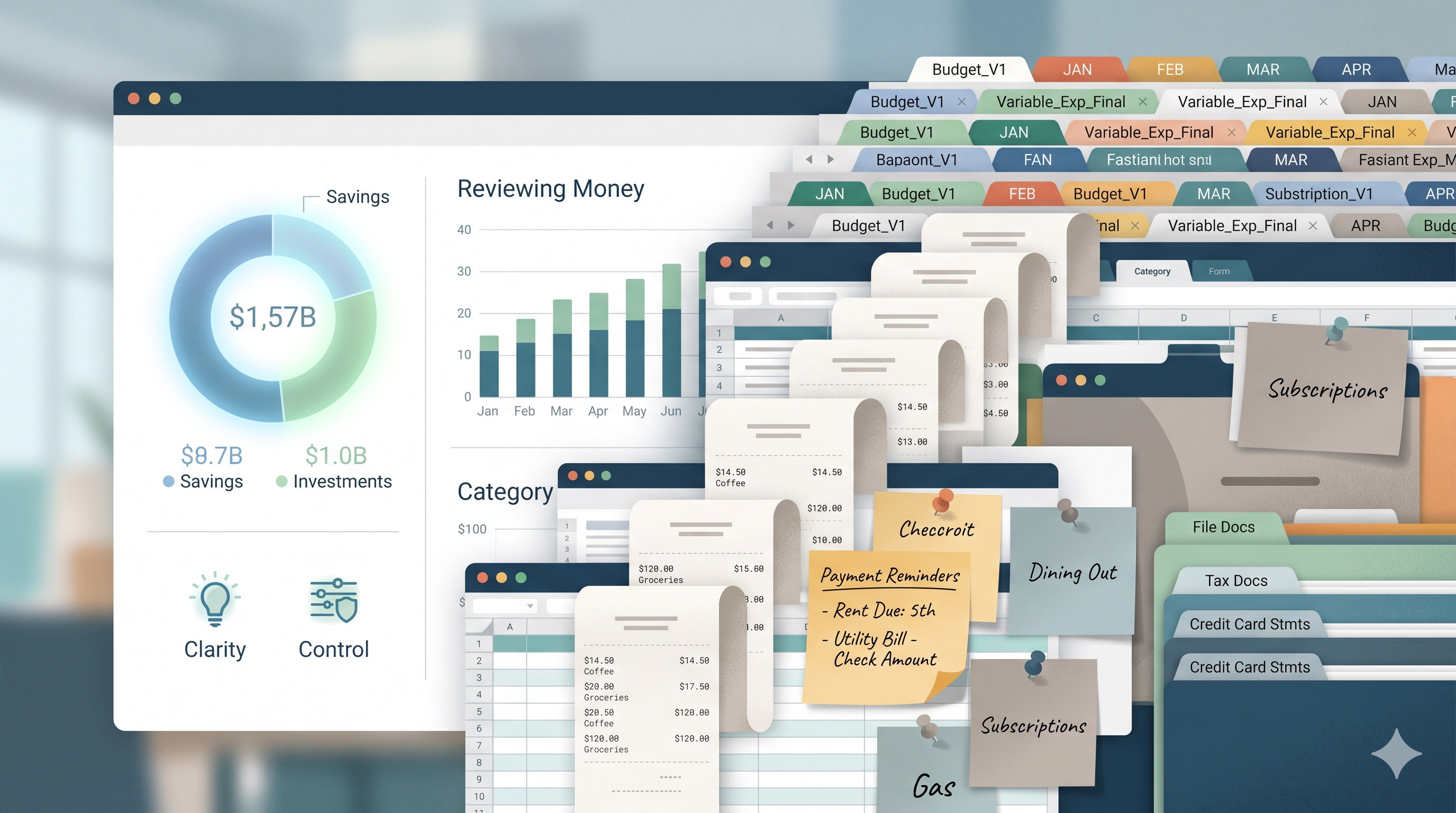
Many people begin with one file and then gradually create several versions: “Budget Final,” “Budget Final Updated,” “Expenses Latest,” “Expenses April New,” or different files for loans, investments, savings and household costs.
This is understandable. A spreadsheet is flexible, so it is easy to start a new one instead of improving the old structure. But after some time, it becomes difficult to know which file contains the most accurate financial picture.
3. Formulas need checking
A wrong cell reference, copied formula, deleted row or incorrect category can change totals without being obvious. This does not mean Excel is unreliable. It means formulas need care, especially when the workbook grows.
For someone comfortable with spreadsheet logic, this may be manageable. For someone who only wants to understand their spending and plan the next month, formula maintenance can become unnecessary work.
4. It is hard to see connected financial decisions
A spreadsheet may show expenses well, but personal finances are broader than expenses. A person may need to see income, account balances, loan commitments, credit-card spending, savings goals, emergency funds, budgets, investments and upcoming payments together.
Excel can certainly be designed to do this. But creating a connected view usually requires more worksheets, formulas, data-entry rules and ongoing maintenance. The more complete the workbook becomes, the more effort it may need to stay useful.
5. Review becomes harder than recording
The purpose of tracking is not simply to collect data. The purpose is to review your money and make better decisions. Yet many Excel users spend time entering numbers but do not return to analyse what those numbers mean.
They may record expenses every few days but still not know whether food spending increased, whether monthly commitments are too high, whether savings are growing or whether an upcoming bill may affect the month-end balance.
The system may still work, but it begins demanding more maintenance than financial understanding.
Excel vs RollingCash: a fair comparison
RollingCash is intended as a structured personal-finance platform for people who want to understand and organise their financial life in one connected place. It is not meant to replace Excel for every possible calculation, custom model or planning exercise.
Instead, the key difference is the starting point. With Excel, you build the structure yourself. With a structured finance tracker, the system begins with common personal-finance areas already considered, helping you organise records around day-to-day financial needs.
Who should continue using Excel?
You may not need to switch away from Excel if your current process gives you clarity and you can maintain it without stress.
Excel may be the right choice for you when:
- You genuinely enjoy spreadsheet work and use formulas confidently.
- Your personal finances are simple and do not change much month to month.
- You maintain your file regularly without missing important entries.
- You need highly specific calculations, custom models or what-if planning.
- You only need a budgeting worksheet, expense list or one-time financial plan.
- You can easily find your records, understand the latest version and review them when needed.
There is no prize for moving away from a system that already works well. The goal is financial clarity, not using a particular tool.
Who may benefit from a structured finance tracker?
A structured finance tracker may be more useful when Excel is no longer helping you see the whole picture easily.
You may benefit from a structured system when:
- You use multiple bank accounts, payment methods or credit cards.
- You have several EMIs, loans or recurring payment commitments.
- You maintain separate sheets for expenses, savings, investments and liabilities.
- You keep postponing spreadsheet updates because daily life is busy.
- You want to understand cash flow instead of only recording expenses.
- You want savings goals, emergency money and planned expenses to be part of your broader financial view.
- You want to review the month without fixing formulas or combining several files first.
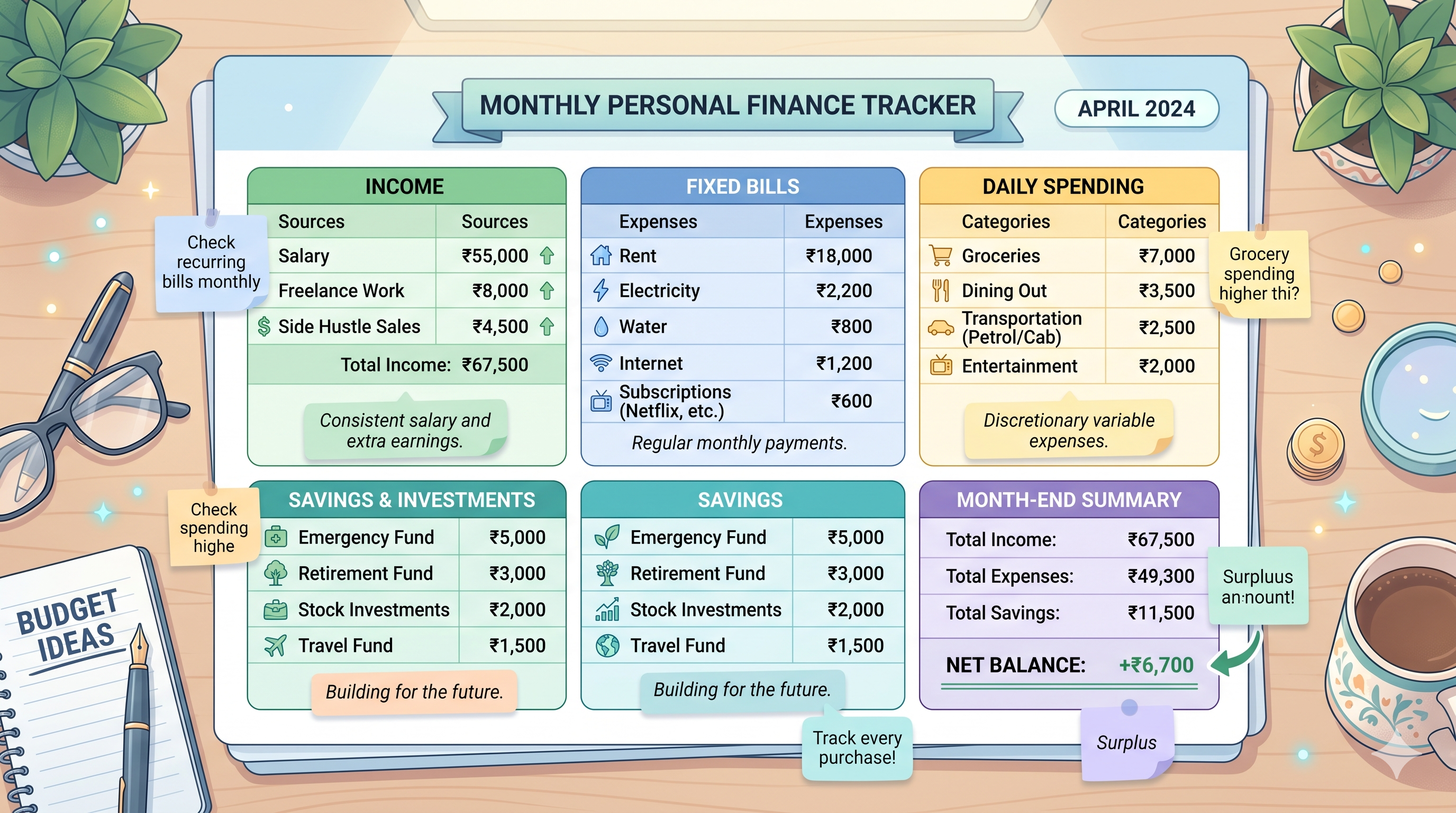
In these situations, the benefit is not that a structured tracker makes money management effortless. You still need to enter or review financial information. The benefit is that you do not have to create every category, layout, formula and connection from the beginning.
How to move gradually without forcing an immediate switch
Changing your finance-tracking method does not need to happen all at once. You do not have to recreate years of records or abandon Excel in a single day.
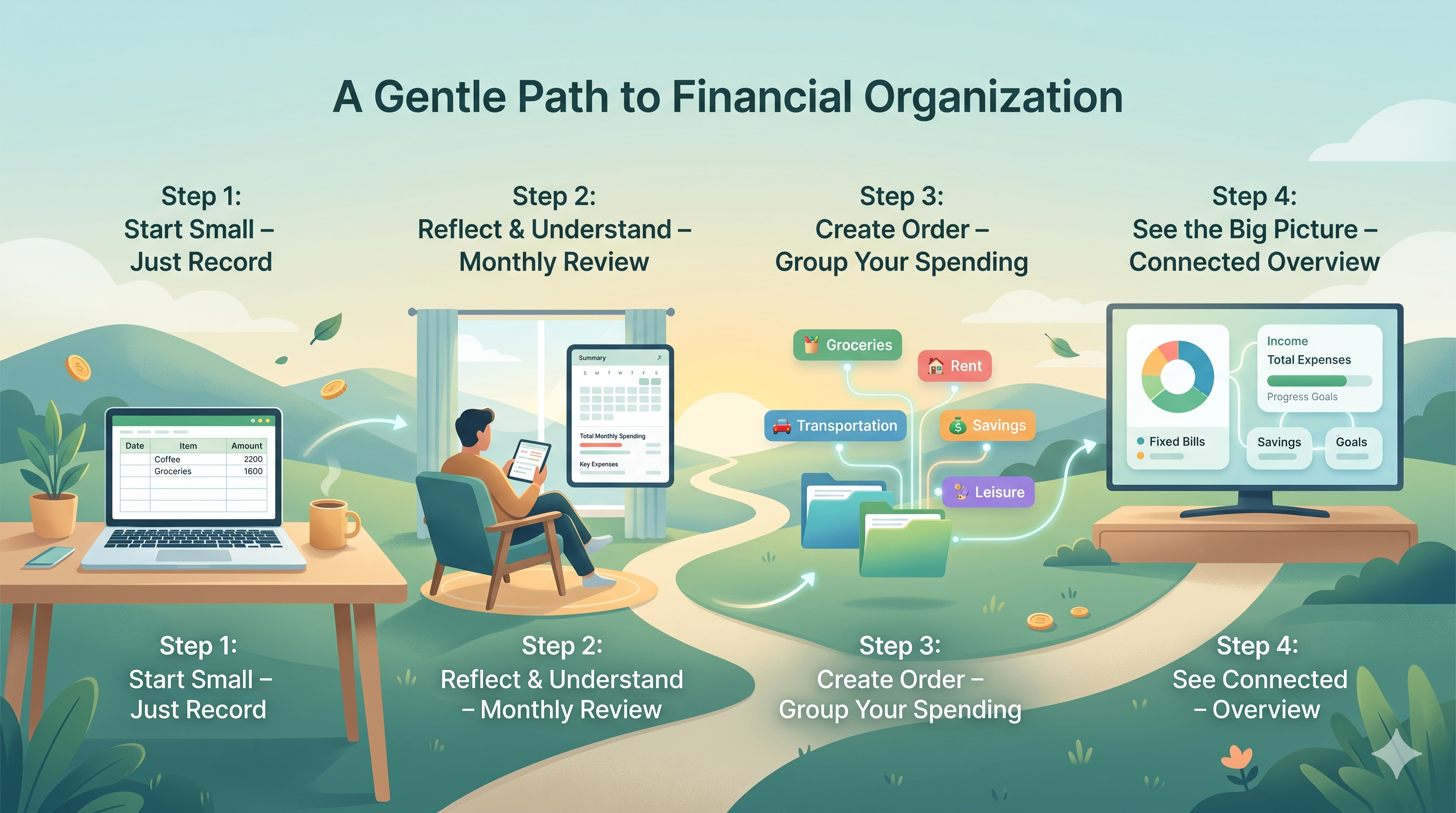
A practical approach is to begin with your current financial position. List your active bank accounts, cash balance, credit-card balances, loans, regular bills and main savings goals. Then start recording new financial activity from a chosen date.
A gradual transition can look like this:
- Keep your old spreadsheet as a reference: Do not delete past records just because you are trying a new approach.
- Start with the current month: Begin with present income, expenses and balances instead of manually rebuilding old history.
- Track the essentials first: Focus on income, fixed bills, loans, daily spending and upcoming payments.
- Add goals and long-term areas later: Once the basic routine feels comfortable, include emergency money, savings goals, investments or deeper planning.
- Use Excel where it remains helpful: You may still keep a special spreadsheet for a complex calculation, a unique business estimate or a long-term custom plan.
This approach is not about choosing one tool forever. It is about using each tool for the work it handles best. Excel can remain useful for detailed calculations. A structured tracker can support the everyday work of keeping your personal finances visible and connected.
Final practical recommendation
Choose Excel when you want flexibility, enjoy building financial sheets and can maintain your records consistently. It is a capable tool and can be more than enough for many people.
Consider RollingCash when your finances involve too many disconnected pieces to manage comfortably in a workbook. This may include several accounts, cards, EMIs, budgets, savings plans, investments, family expenses and future commitments that need to be understood together.
The best system is not the one with the most features or the most formulas. It is the system that helps you answer important questions with less confusion:
- Where did my money go this month?
- What bills and commitments are still coming up?
- How much money is genuinely available?
- Are my savings and goals moving in the direction I want?
- What should I review before making the next financial decision?
A useful first step
Open your current Excel file and ask one honest question: does it help you understand your money today, or does it need too much work before it becomes useful? Your answer will usually show whether Excel is still the right tool for you or whether a more structured finance tracker may help.
Clarity matters more than the tool
Excel and RollingCash are not enemies. They serve different needs. Excel gives you freedom to create your own system. RollingCash aims to make everyday personal-finance organisation easier when your money life becomes more detailed. Choose the method that helps you review your finances regularly, understand your commitments and make calmer decisions.
Disclaimer: This article is for general education and personal financial tracking. It is not investment, tax, or financial advice.